Concerned about electronic system messages or fault codes that need interpretation?
A car computer scan checks what information compatible electronic systems can report. Drivers from Gerugambakkam can share the warning and vehicle details first so the right diagnostic approach can be discussed.
SUPER CAR CARE on Google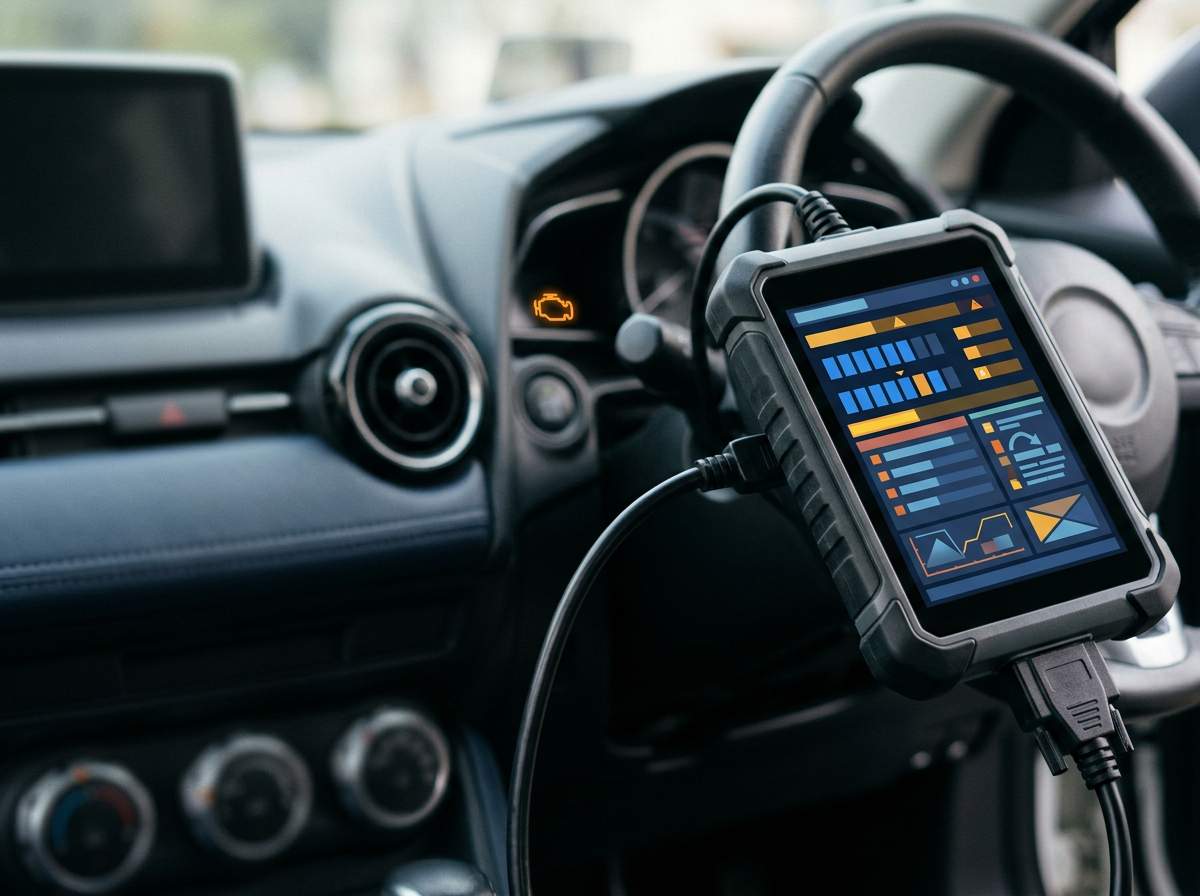 Illustrative image · not a photo of the workshop
Car Computer Scanning for your vehicle
Computer scanning connects diagnostic equipment to supported vehicle modules and reads their available codes or data. Which systems respond depends on the make, model, year, and equipment; a code is a starting point for diagnosis rather than a parts list.
Explore car computer scanningWhat to expect
- 01. Write down the warning or message exactly as it appears.
- 02. Call with the make, model, and year to discuss computer-system compatibility.
- 03. Review the reported codes alongside when and how the issue occurs.
Diagnostic access varies by vehicle. A code is a clue, not proof that a particular part has failed.
Questions about car computer scanning
What does a car computer scan read?
It can retrieve codes or information reported by supported vehicle systems; access differs between vehicles and diagnostic tools.
Can I ask about an intermittent electronic warning?
Yes. Explain when it appears, how long it lasts, and whether other systems behave differently.
Should I clear a code before checking it?
Avoid clearing it before discussing the concern; stored information may help explain a recurring warning.
Visit SUPER CAR CARE
Anna Main Road, Padmavathy Nagar, Karumariamman Nagar, Kolapakkam, Tamil Nadu 600128, India
Service area pages do not indicate a local branch. Directions lead to the actual Kolapakkam workshop.
Find us in Kolapakkam
Anna Main Road, Padmavathy Nagar, Karumariamman Nagar, Kolapakkam, Tamil Nadu 600128, India
Open directions in Google MapsCall to confirm vehicle compatibility and service availability before travelling.
View SUPER CAR CARE on Google